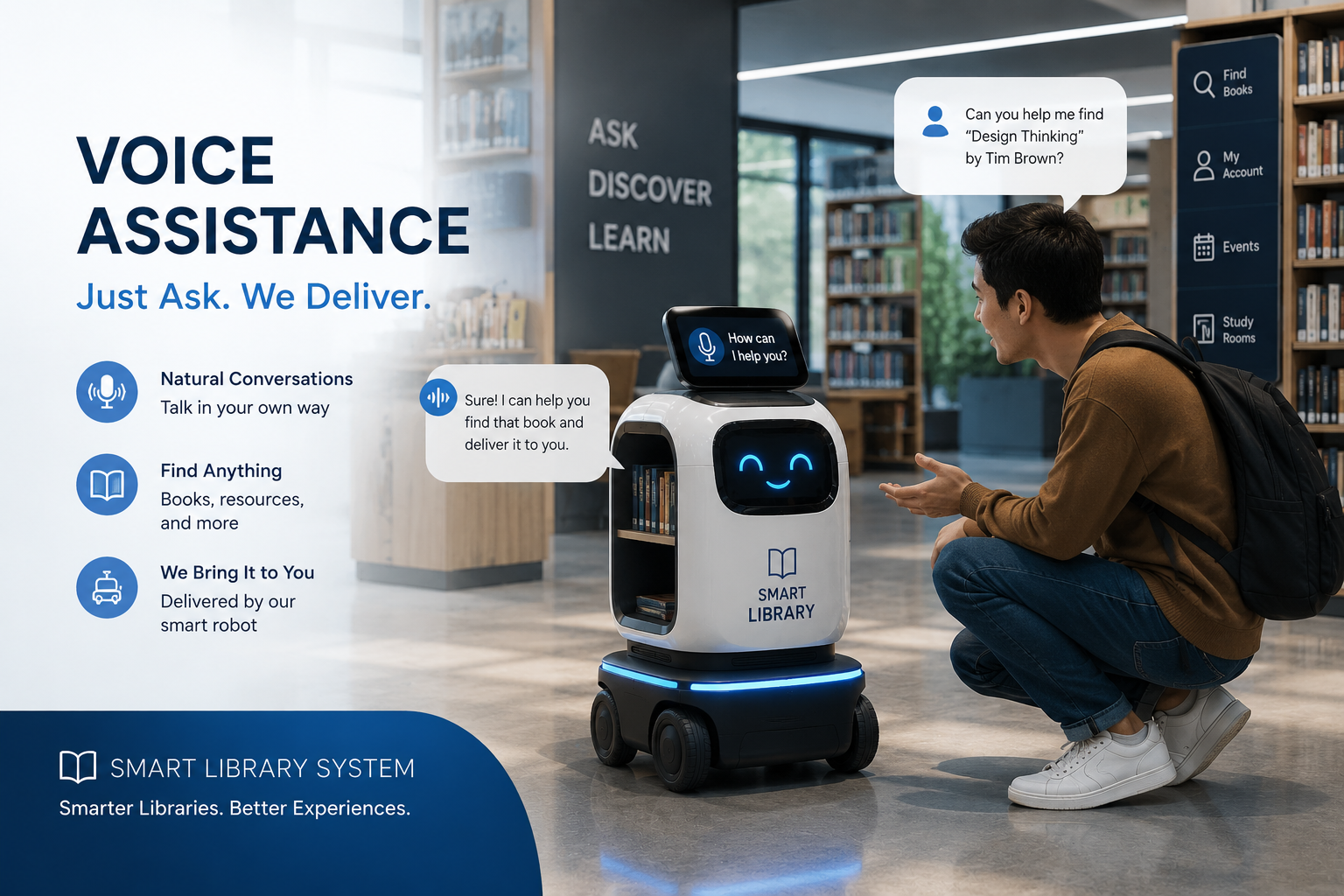
This project implements a hands-free voice assistant for the TUT Smart Library robot (RoboLibrarian). It listens to spoken commands, understands what the user wants using natural language patterns, and responds by speaking back while triggering robot navigation, library database lookups, or the web chatbot when needed.
When someone says they want to go to a study table, find a book, or ask how borrowing works, the assistant converts speech to text, matches the request to the right action, and either moves the TurtleBot robot, queries MySQL for book details, or forwards the question to the library chatbot API.
Overview
The Library Voice Assistant is a Python-based speech interface built for the RoboLibrarian robot in the TUT Smart Library Management System. It lets students and staff interact with the library without touching a screen—using everyday spoken phrases instead of rigid button menus.
The assistant runs as a continuous listening service with a wake word (“Hey Nova”) so it stays quiet until called. After wake-up, users can ask for robot escort to tables, shelves, restrooms, or home base; search for books by title, author, or category; or get general library help (hours, policies, fines) through the same chatbot the website uses.
Responses are spoken aloud using text-to-speech (natural voice via gTTS when available, or local pyttsx3 as fallback). Navigation commands are sent to the robot controller over HTTP, and complex questions fall back to the PHP chatbot so answers stay consistent with the web system.
How It Works
The assistant captures audio from a microphone, converts it to text with a speech recognition engine (Google Speech Recognition by default, with PocketSphinx as a fallback option), and processes the text through pattern matching and NLP to decide intent.
Listening and wake-up
In standby, the system listens for the wake phrase. When detected, it greets the user and enters an active session. After a period of inactivity it can auto-sleep to save resources until the wake word is heard again.
Command routing
Each utterance is classified into one of several paths:
Navigation — Phrases like “take me to table 5” or “go to shelf A001” are parsed with regular expressions. The waypoint manager resolves the target to a map location, and a command is sent to the robot API (HTTP) so the TurtleBot starts moving.
Book queries — Questions such as “where is the book…” or “books by…” trigger MySQL lookups against the library catalog. The assistant speaks shelf location, availability, or author/category results.
General Q&A — If the request is not navigation or a direct book query, the assistant calls the chatbot API (chatbot-api.php), receives a text answer, cleans it for speech, and reads it aloud.
Queue and confirmations — Some navigation requests can be queued in the database when the robot is busy, with spoken feedback on queue size.
Answers and status messages are passed to text-to-speech. The preferred engine is gTTS for clearer voice; if unavailable, pyttsx3 provides offline speech on the machine.